Data Management
Overview
User Data Upload
Able to Upload the bulk data of the user's details
Click the user_data_upload_template.xlsx button to download the template file
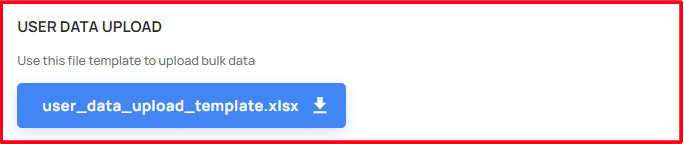
- Use this file template to upload bulk data
- Please follow the instructions within the sheet
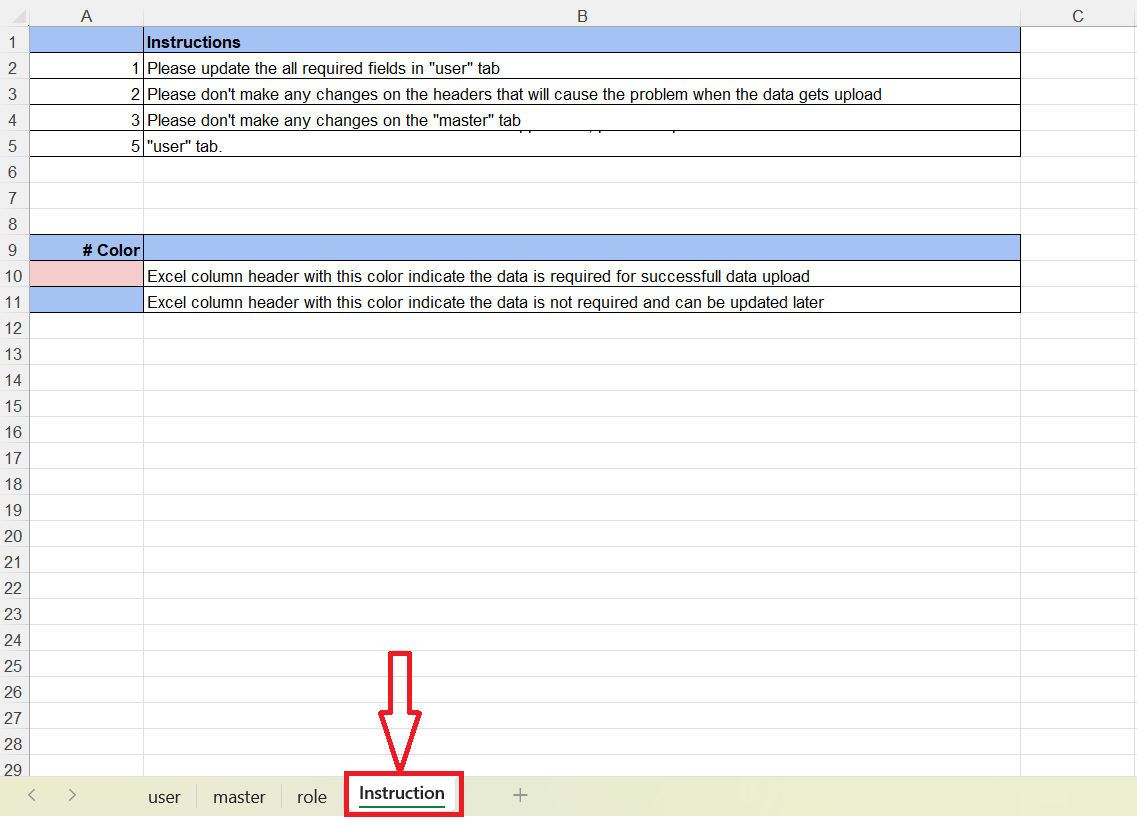
- By filling the mandatory details in the template, able to upload it!
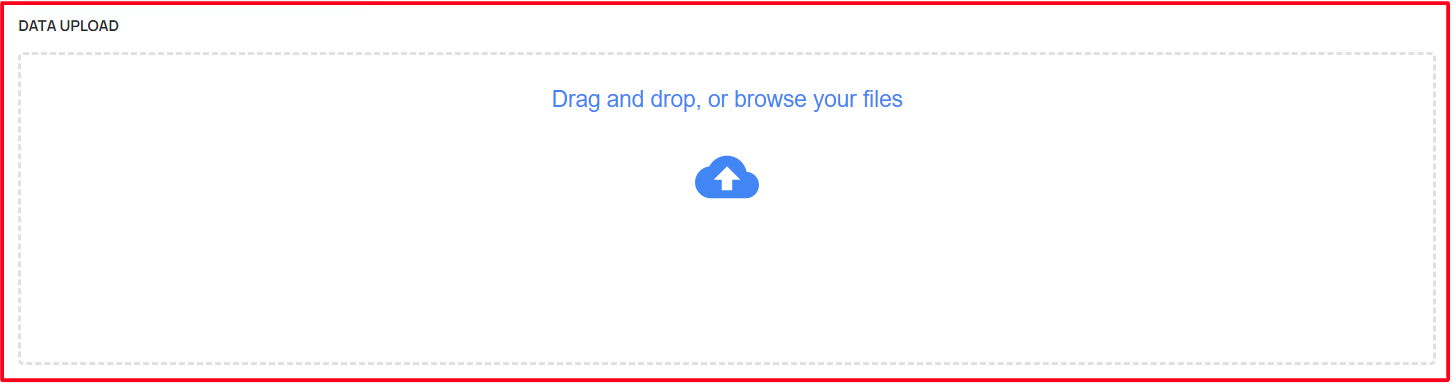
- Having a feature to upload this file data in two ways
- Able to upload by drag and drop
- Select the upload button and browse the files!
Project Data Upload
Able to Upload the bulk data of the project details
Click the project_data_upload_template.xlsx button to download the template file

Use this file template to upload bulk data
Please follow the instructions within the sheet
- When the user hover the header section, the user able to see the instruction to fill the data's formats!
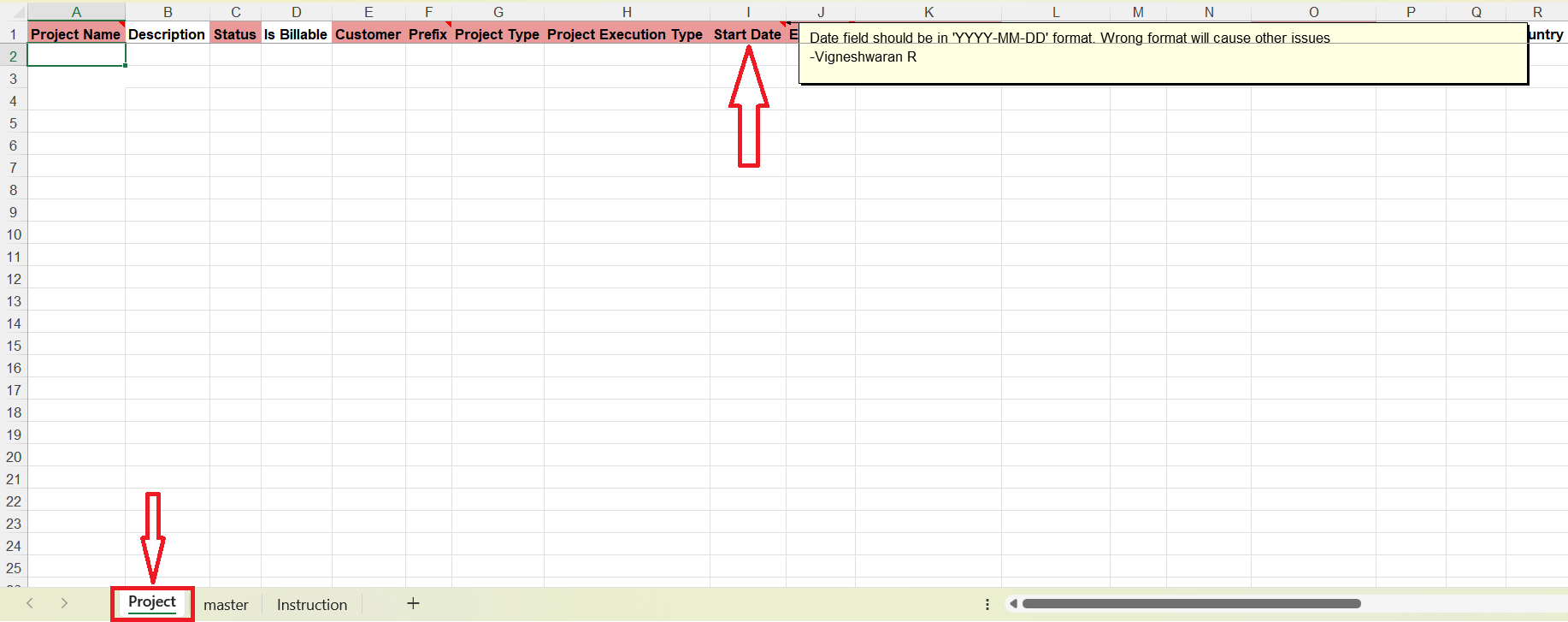
- By filling the mandatory details in the template, able to upload it!
- Having a feature to upload this file data in two ways
- Able to upload by drag and drop
- Select the upload button and browse the files!