My Info
My Info module is used to view and manage the user's profile
Overview
Navigate to My Info
Workplaze → My Info
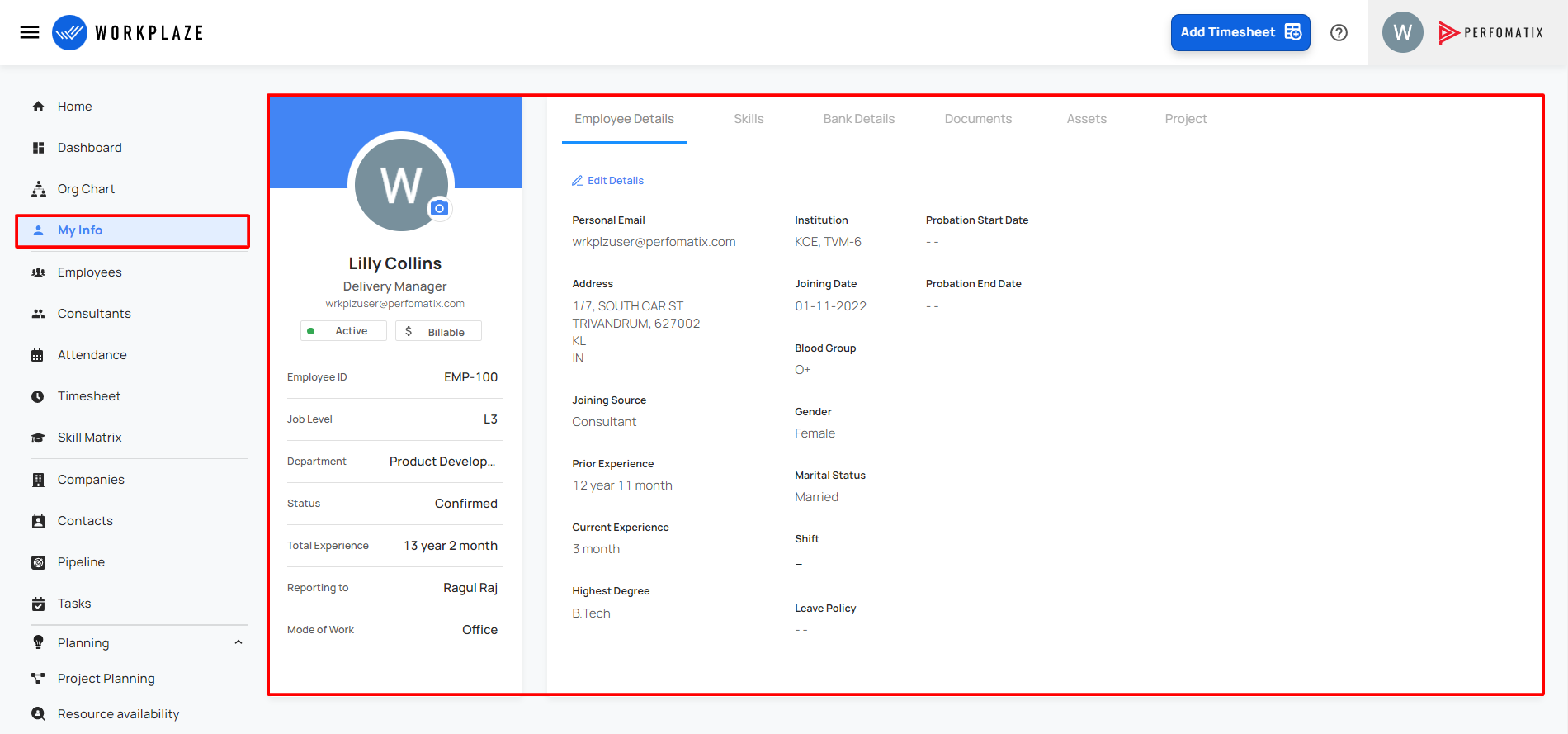
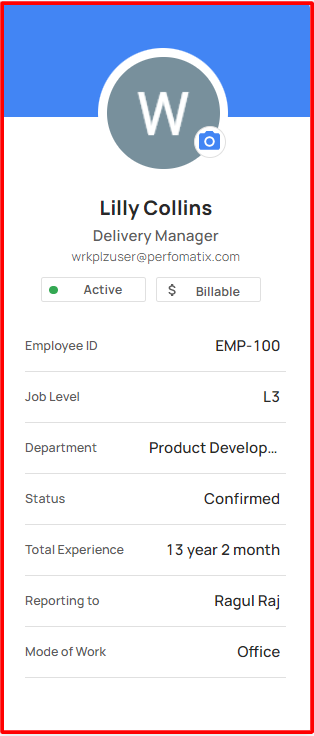
Employee Profile
The user able to view their profile
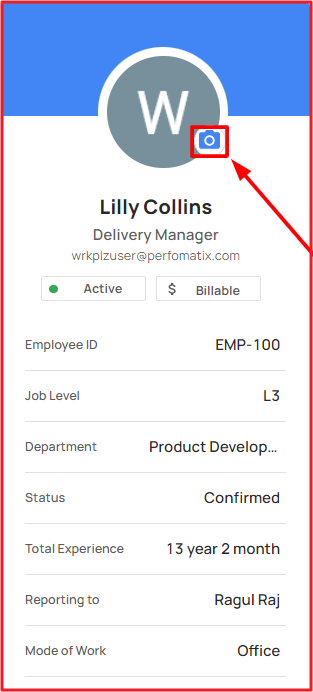
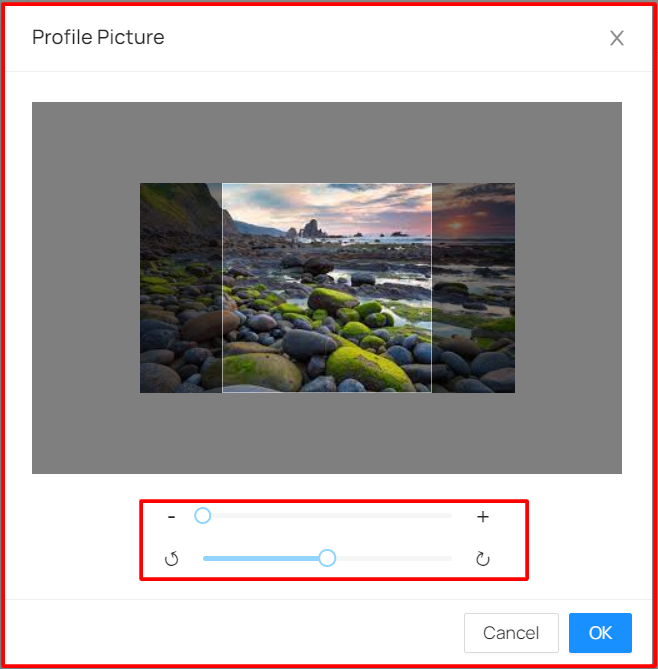
The user able to change the profile picture
Also the user can adjust and rotate the image
Employee Details
The user can view the employee's personal basic details
The administrator has a feature to enable/disable to employees self services in the settings module!
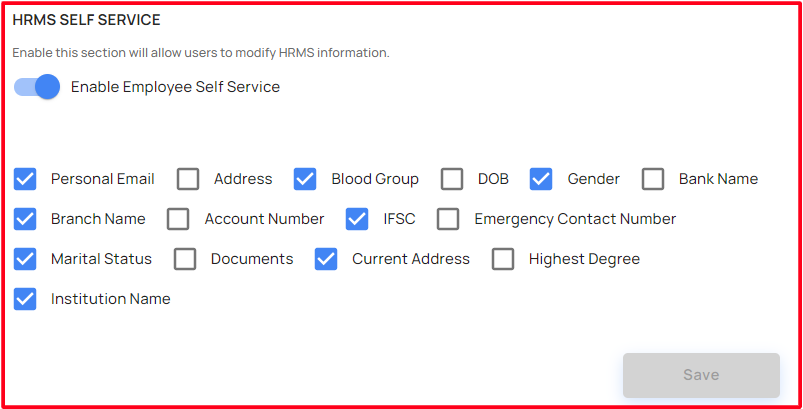
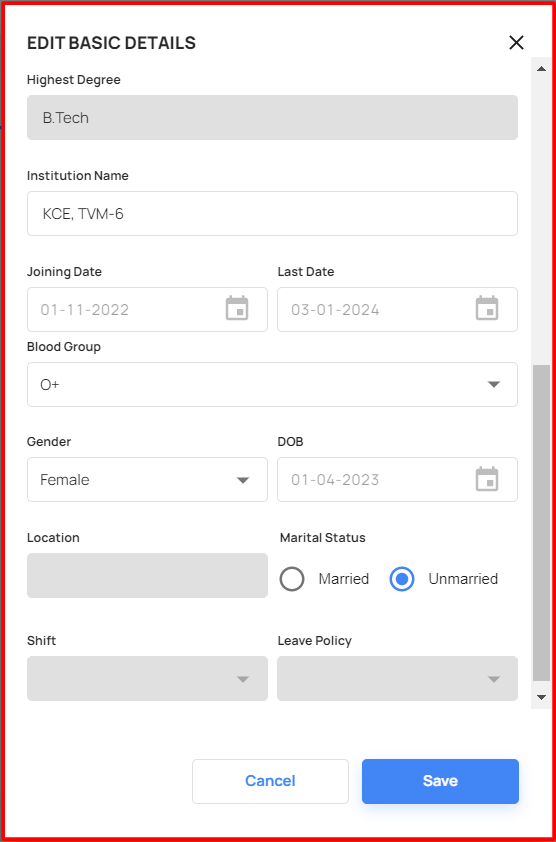
Once the administrator enable this HRMS Self service, the user able to edit their details
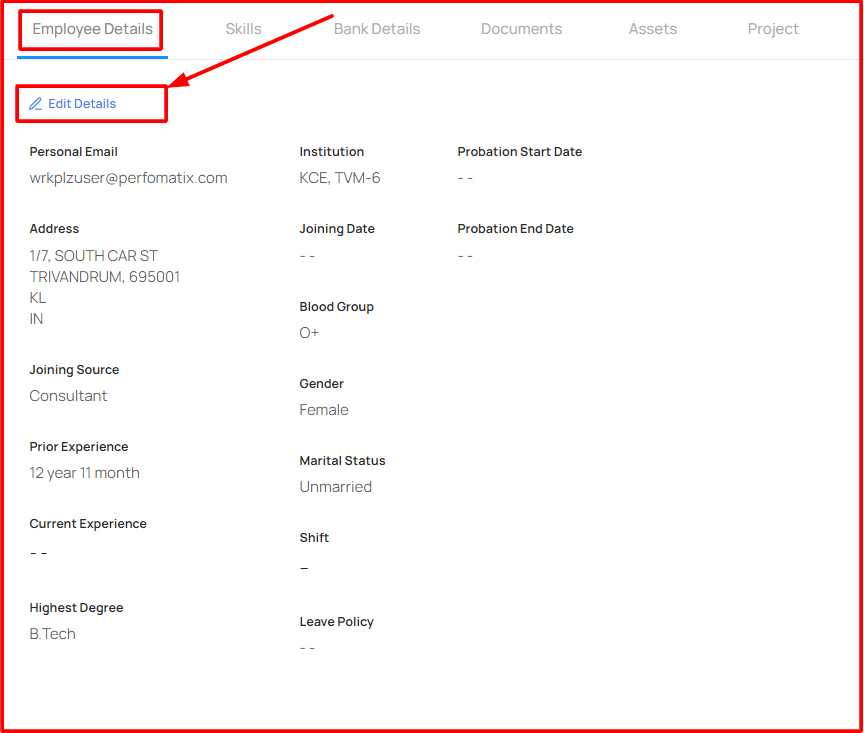
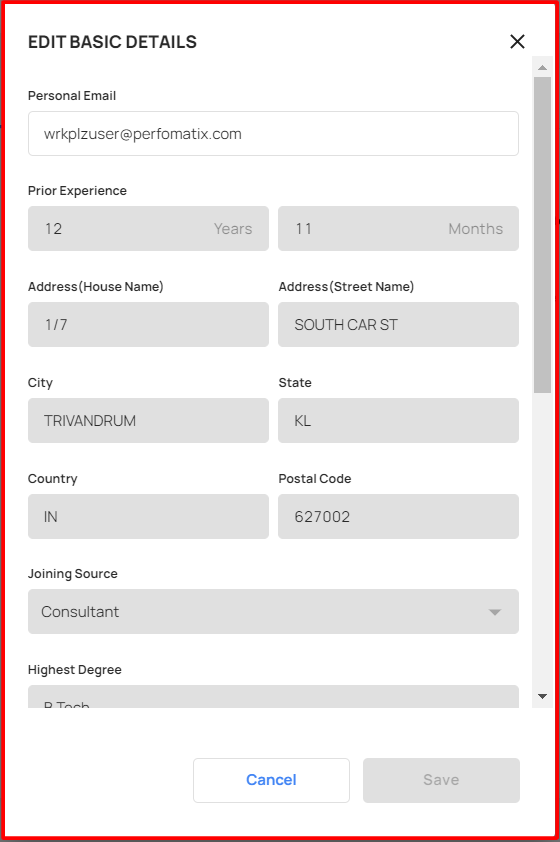
Click the edit details, Edit basic details window appeared!
Skills
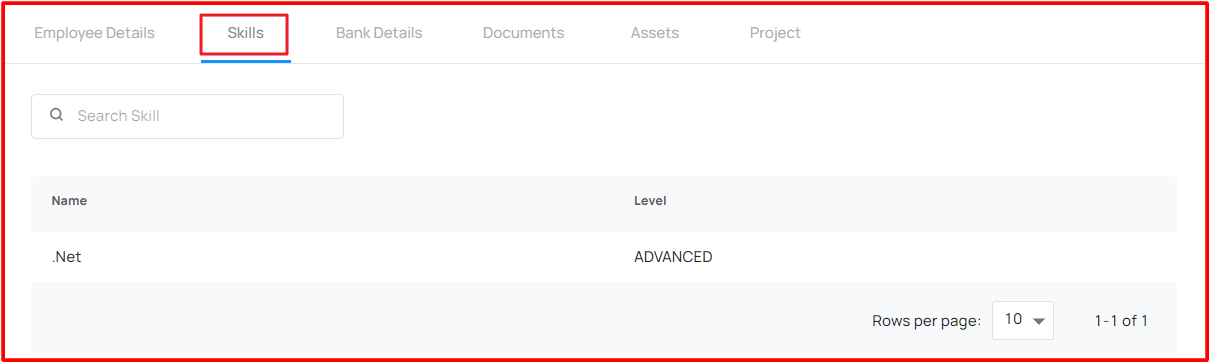
- The user able to view their skill details
Bank Details
The user able to view the bank details
Once the administrator enable the HRMS Self service, the user able to edit the bank details
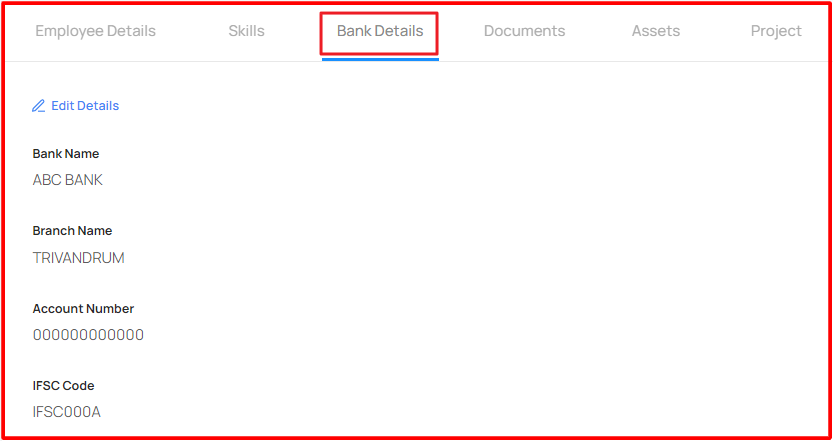
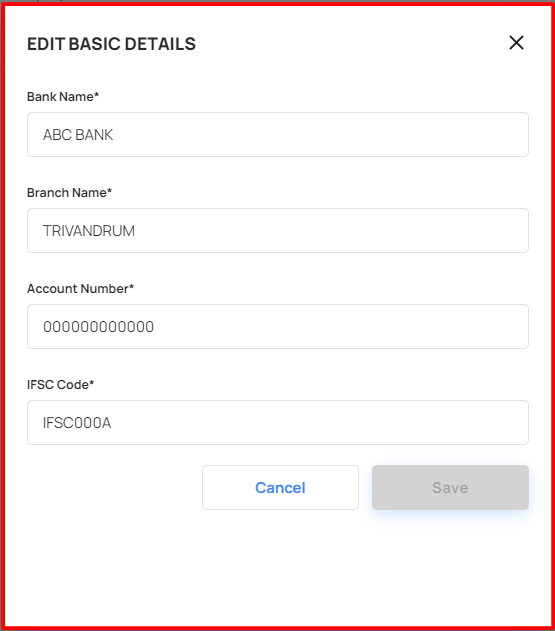
By clicking the edit details option, Edit basic details pop-up window appeared
The user able to edit the bank details and save/update it!
Documents
The user able to view the documents
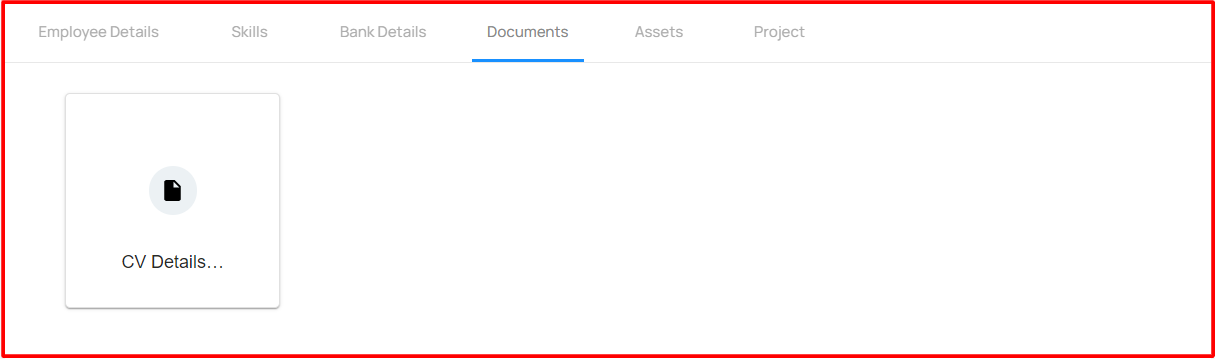
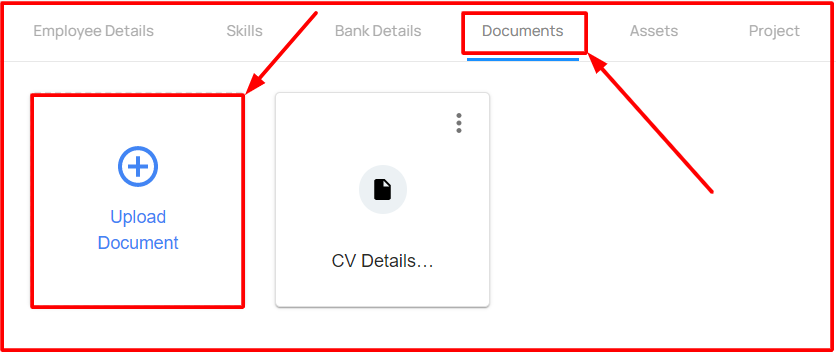
Once the administrator enable the HRMS Self service, the user able to upload/download and rename the documents!
Assets
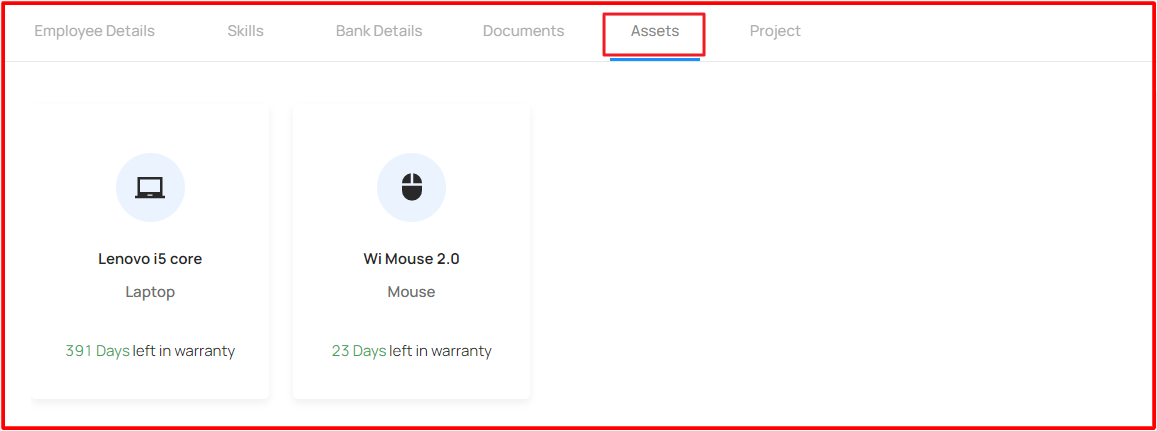
The user able to view the allocated/ received the assets details
Project
The user able to view the allocated/ working project details
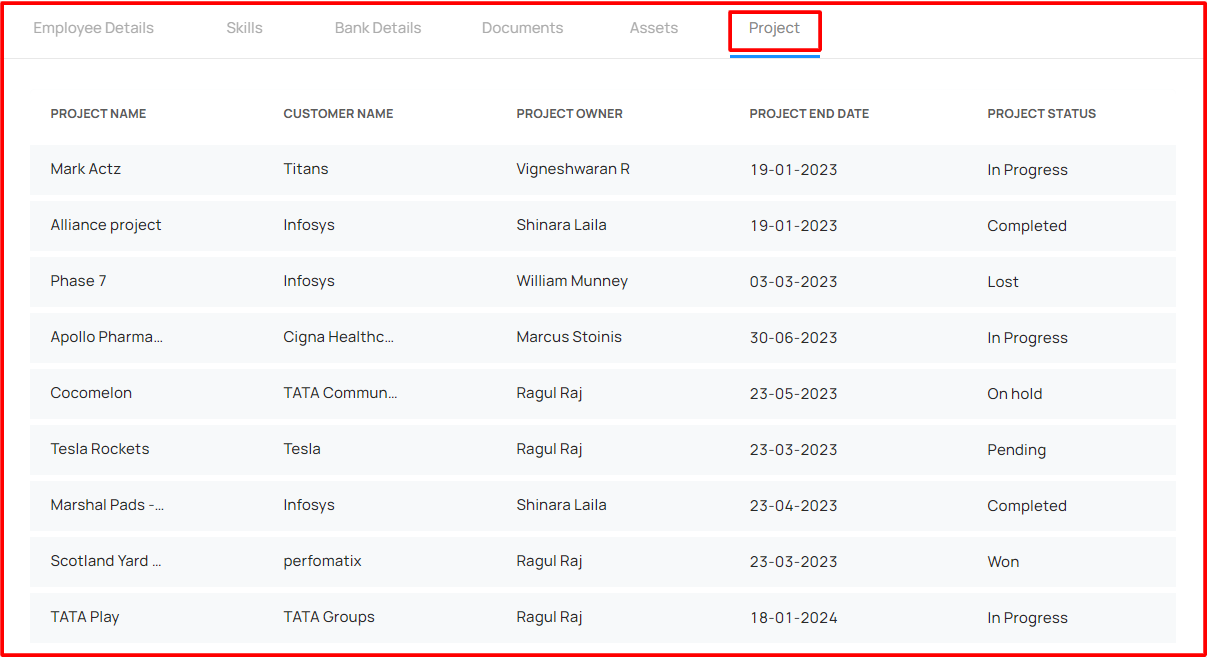
Once the user click on the project, it navigates into the project tasks