Dashboard
In the application, Dashboard module, the user able to view the Employees and Contractors progress and contribution details.
Overview
Navigate to Dashboard
Workplaze → Dashboard
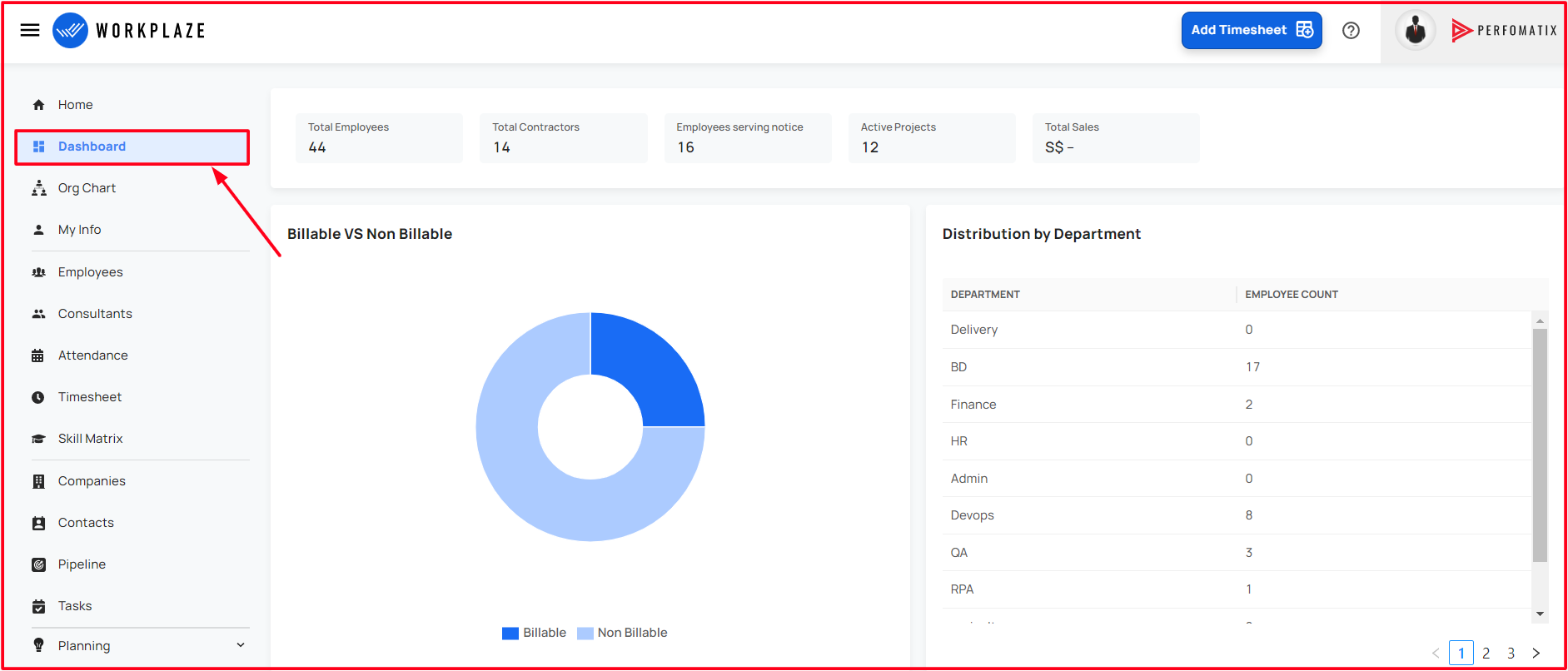
Details in the Dashboard
In this section shows the graphical view of the following:
- Billable VS Non Billable
- Distribution by Department
- Employee Addition Report
- Employee Attrition Report
- Recent Wins
- Sales Forecast

- Total Employees
- Shows the total count of active employees
- Total Contractors
- Shows the total count of active contractors
- Employees serving notice
- Shows the total number of employees who are serving notice
- Active Projects
- Shows the total count of active projects
- Total Sales
- Shows the Total sales value
Billable VS Non Billable
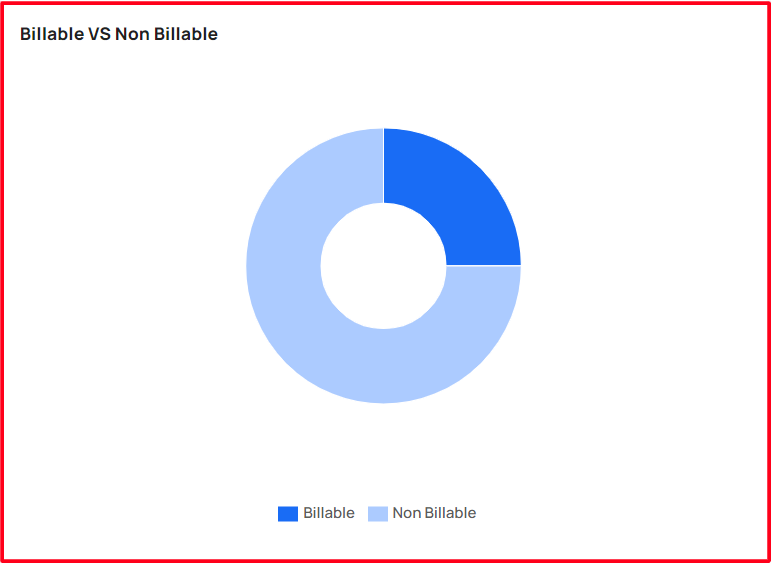
- Shows the total billable and non-billable employees count in graph view!
Distribution by Department
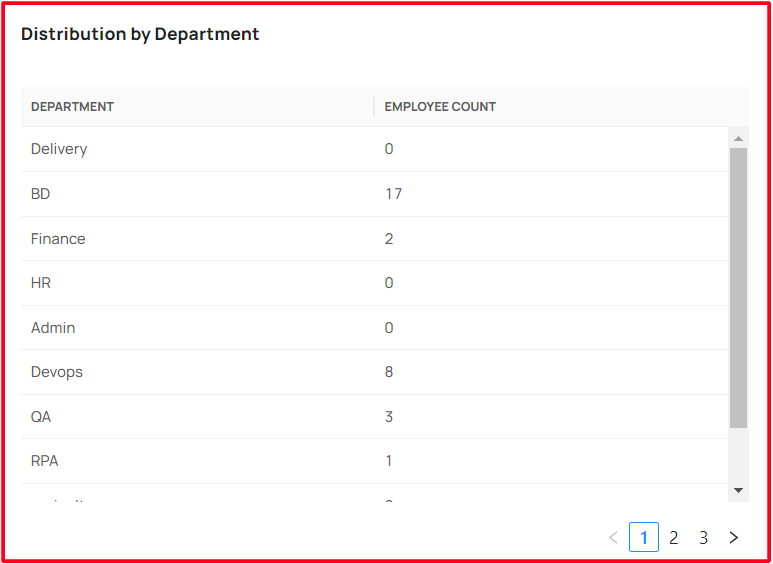
- This representation shows the shows the number of employees distributed by the department
Employee Addition Report
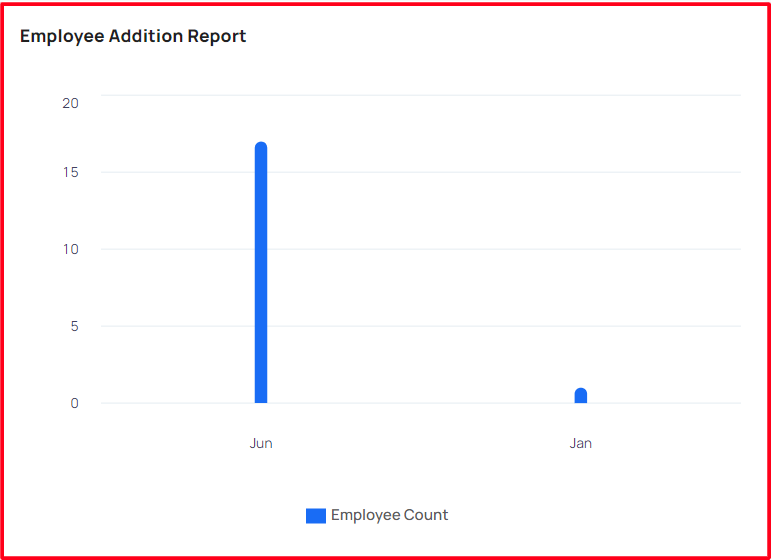
- This representation shows the shows the graph of employees addition report
Employee Attrition Report
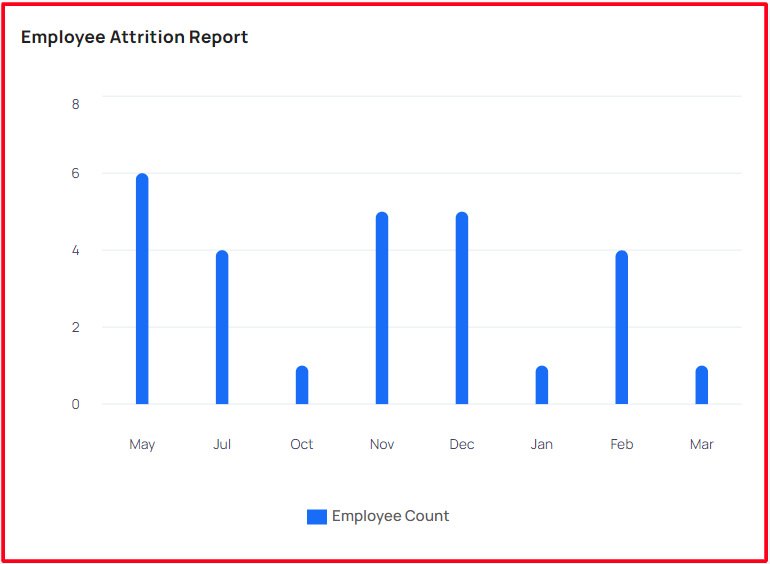
- This representation shows the shows the graph of employee attrition report
Recent Wins

- This representation shows the shows the graph of recent wins
Sales Forecast
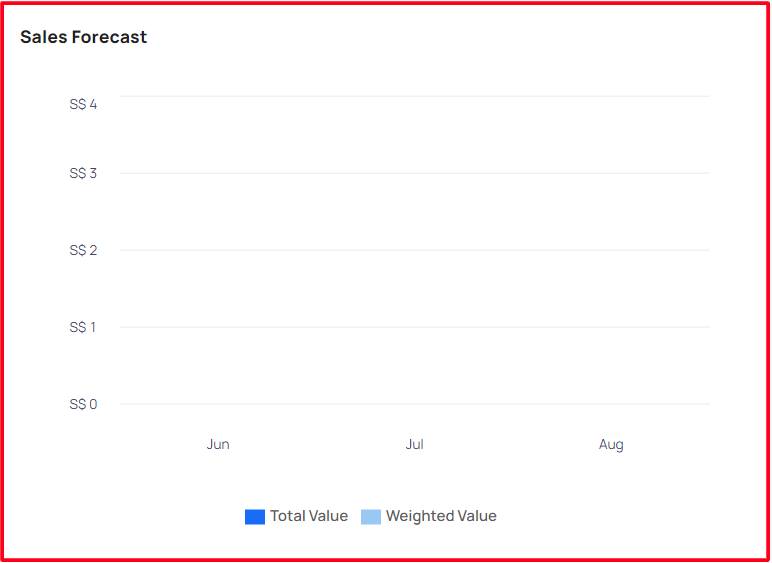
- This representation shows the Shows the graph of sales forecast