Tasks
Overview
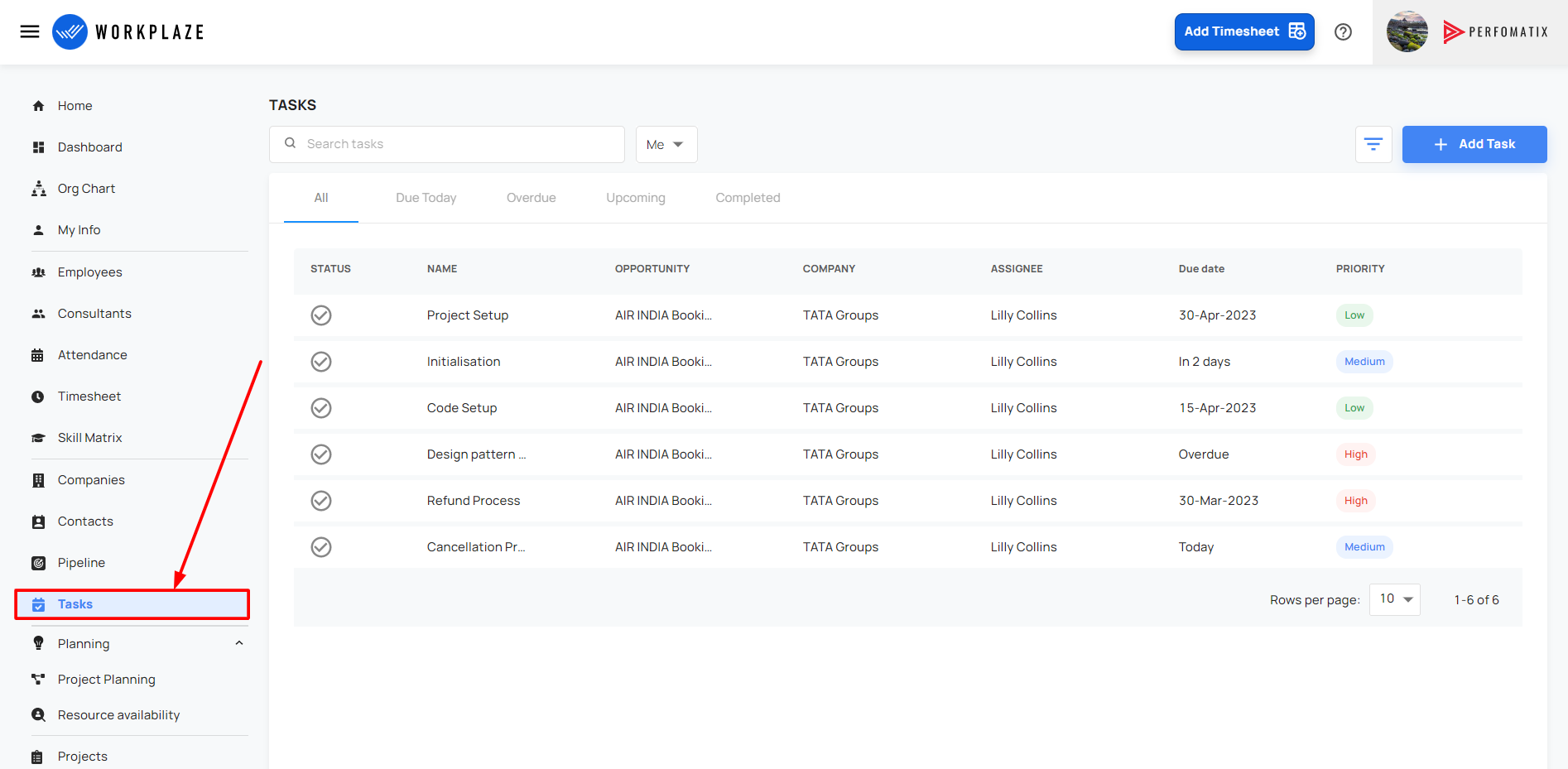
Add task
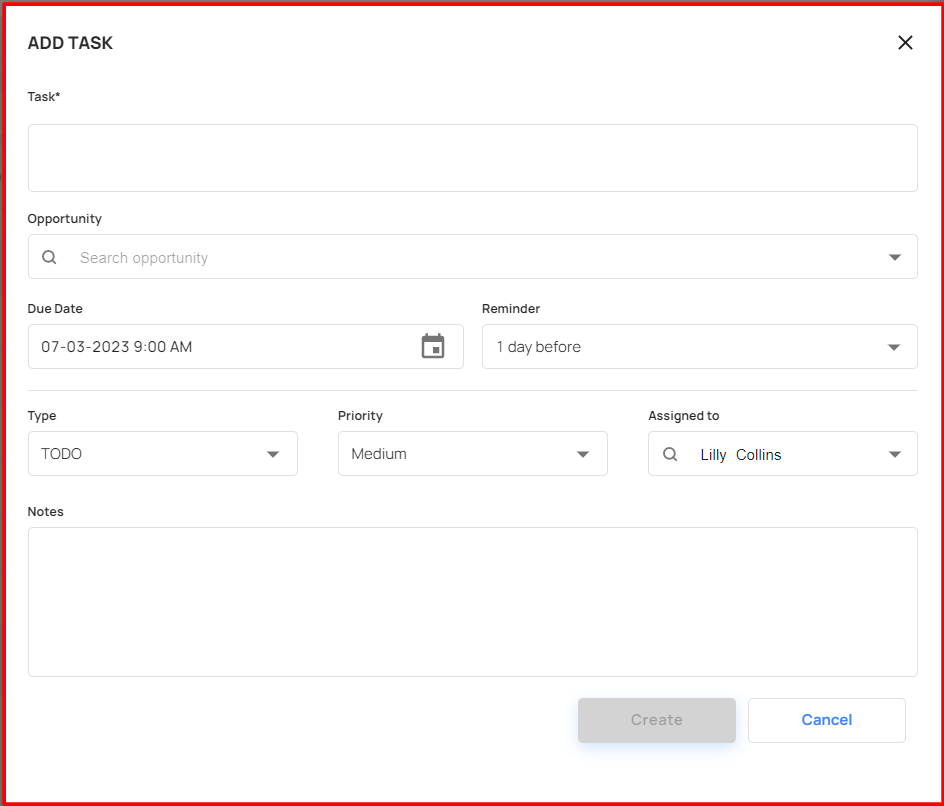
- The user can add the task by using the add task button
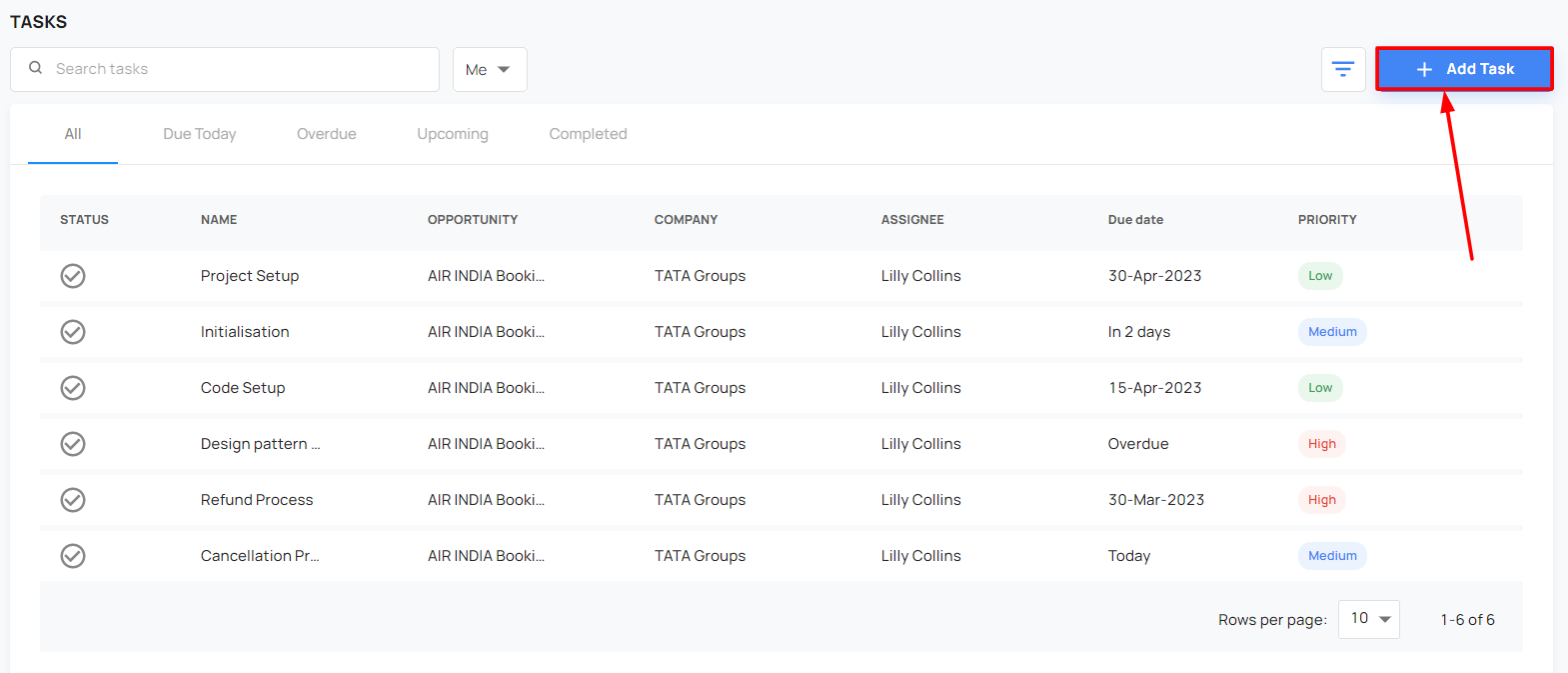
- By filling the mandatory fields, the user can add the tasks
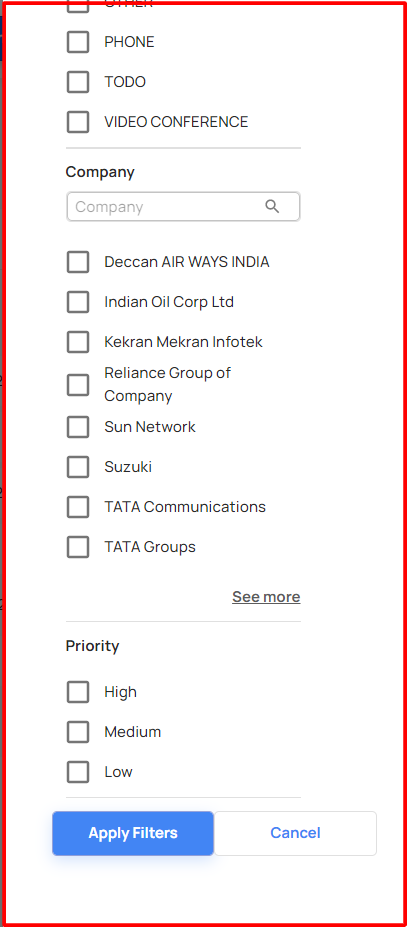
Search and Filter the task
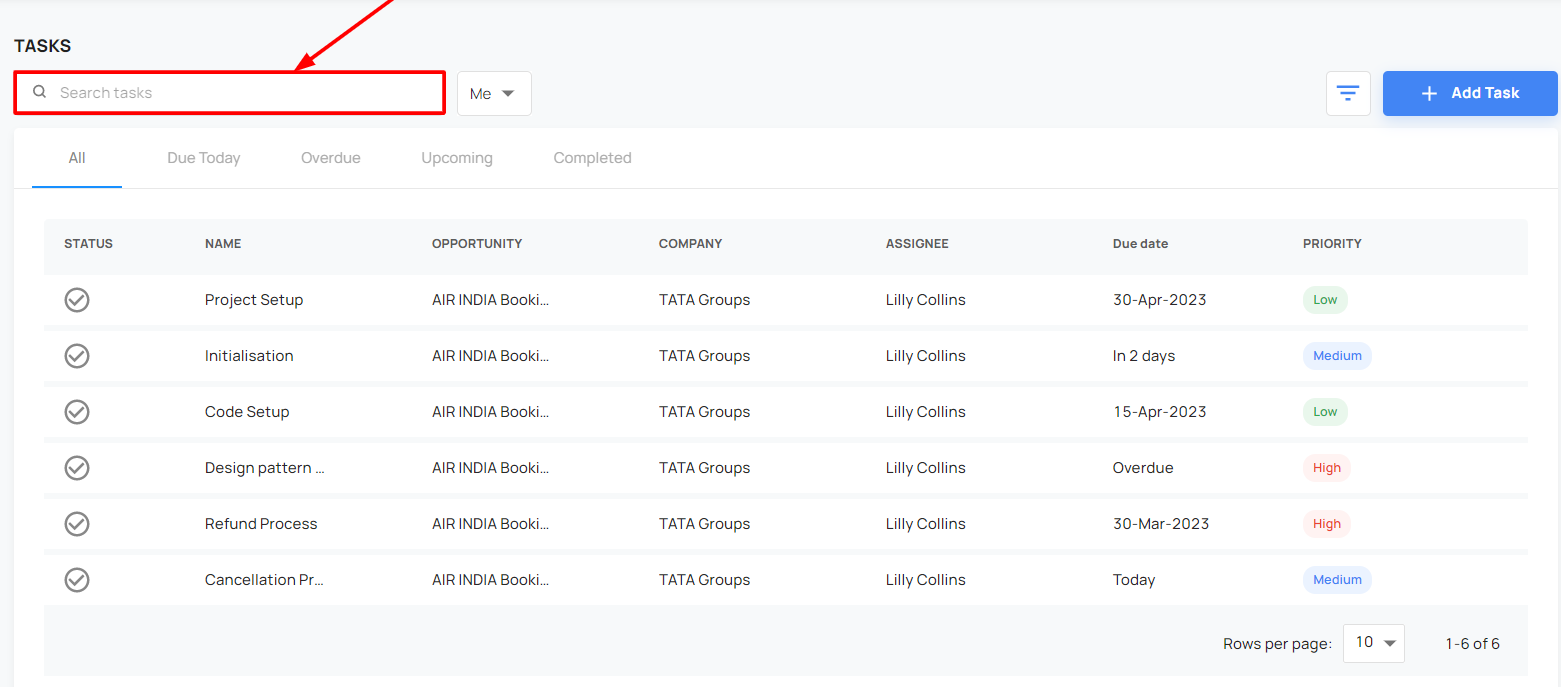
- The user can search the tasks
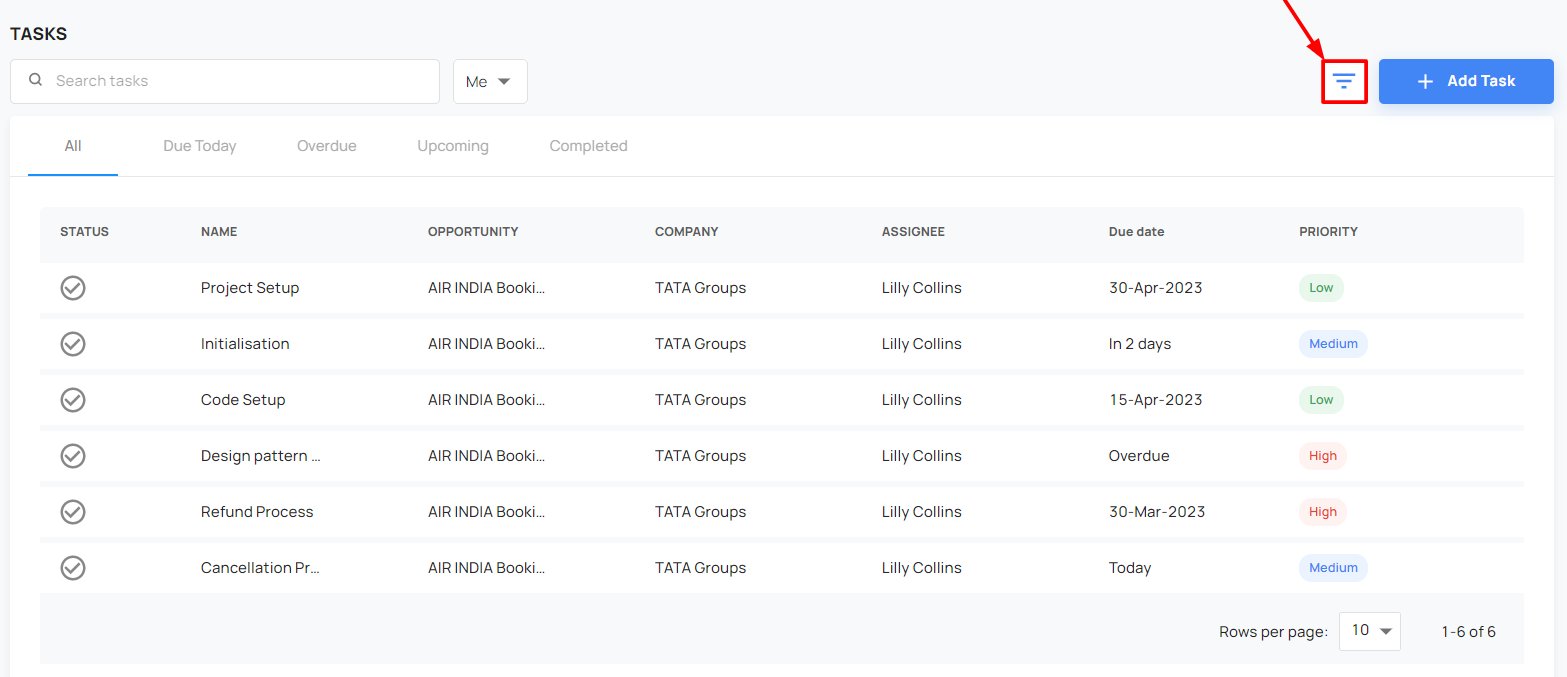
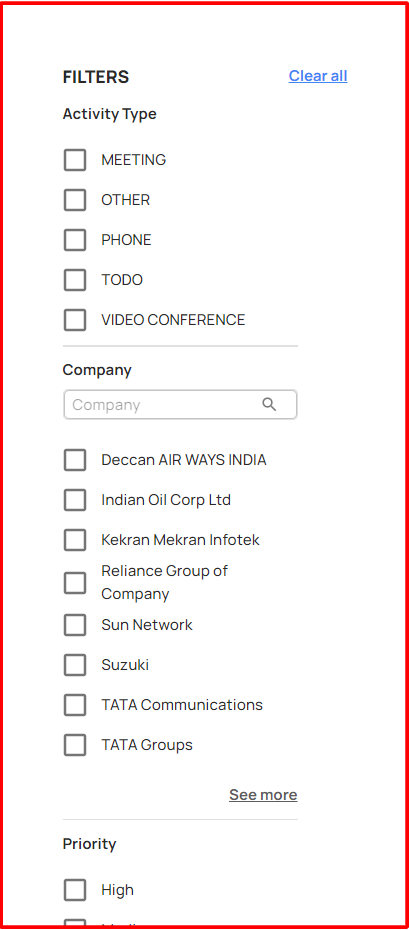
Also the user can filter the task
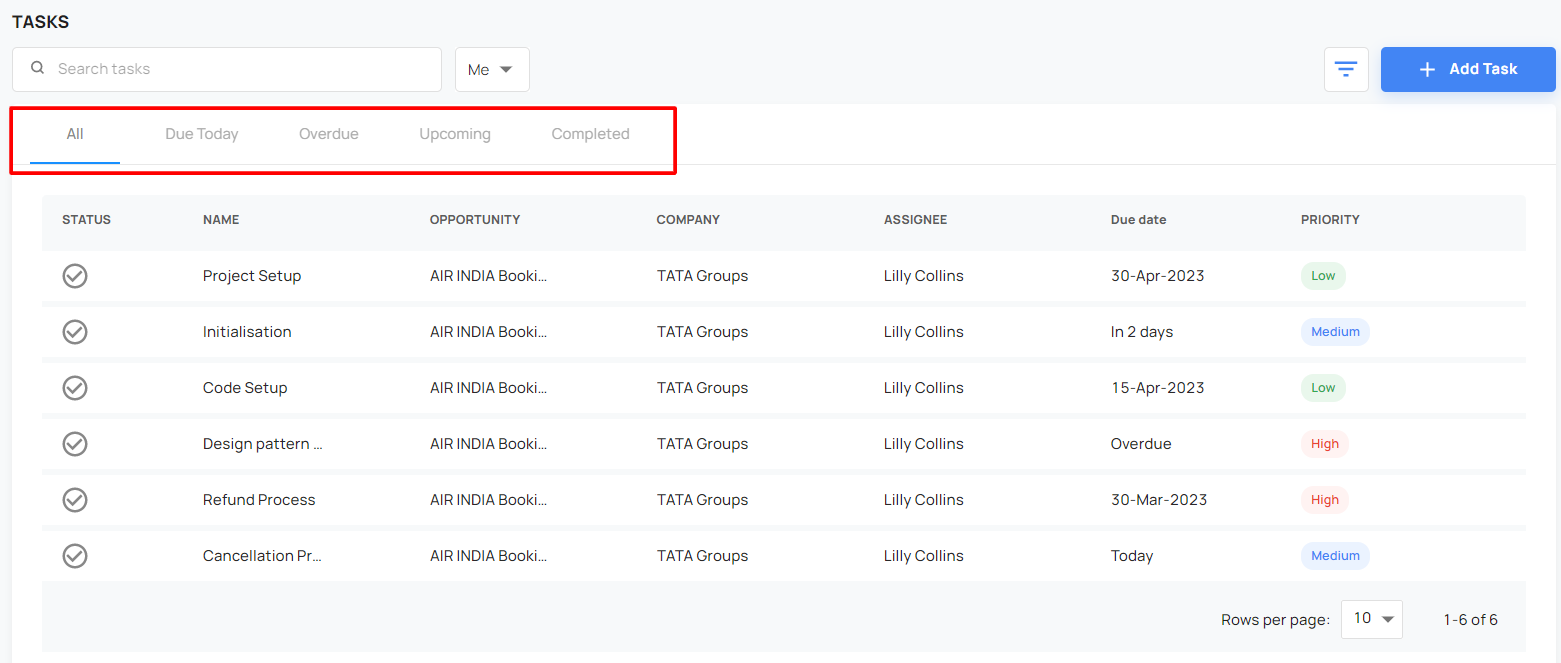
Status checking
- The user can easily to check the task status
Edit the task
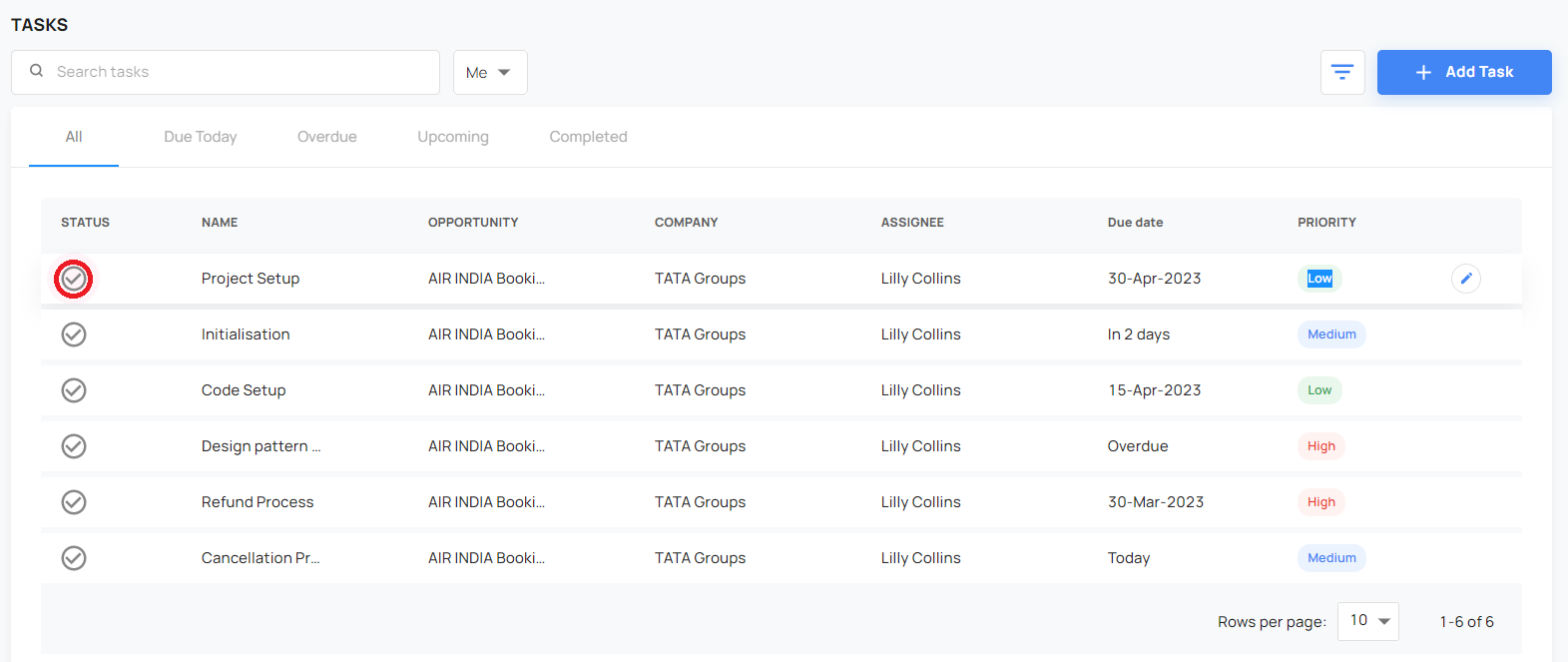
- The user can edit the tasks and change the status
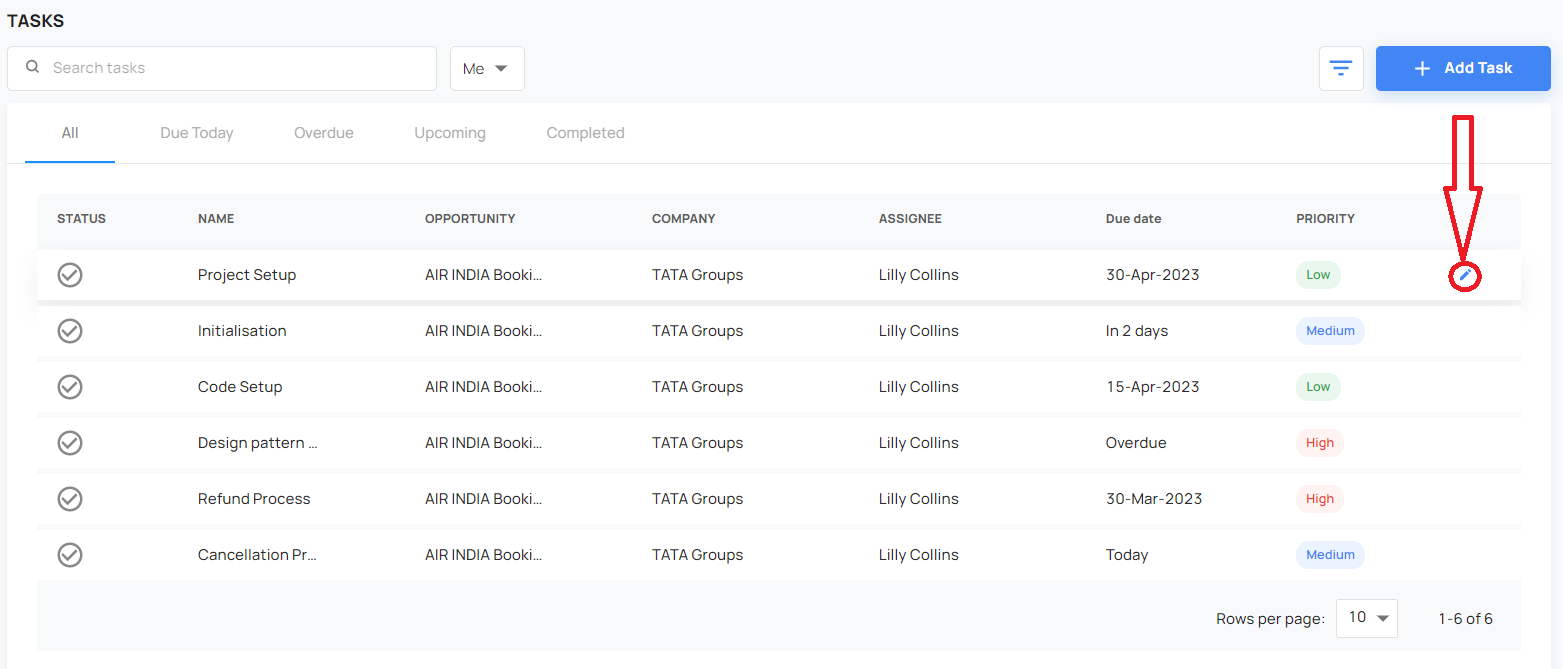
- By clicking the edit button, the user can do the changes
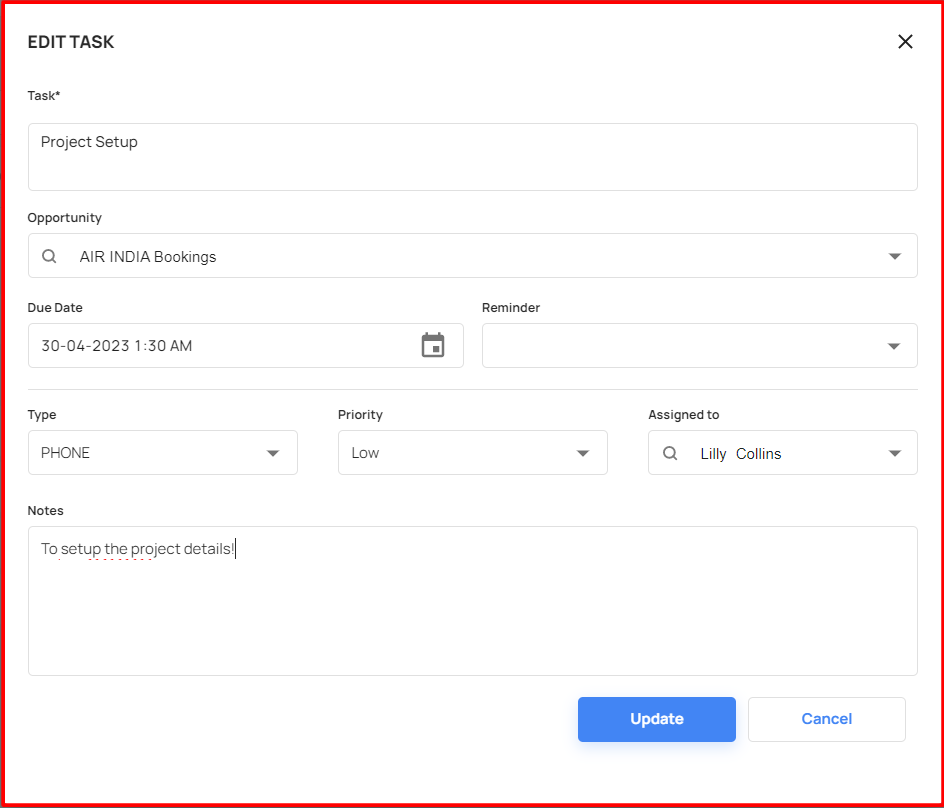
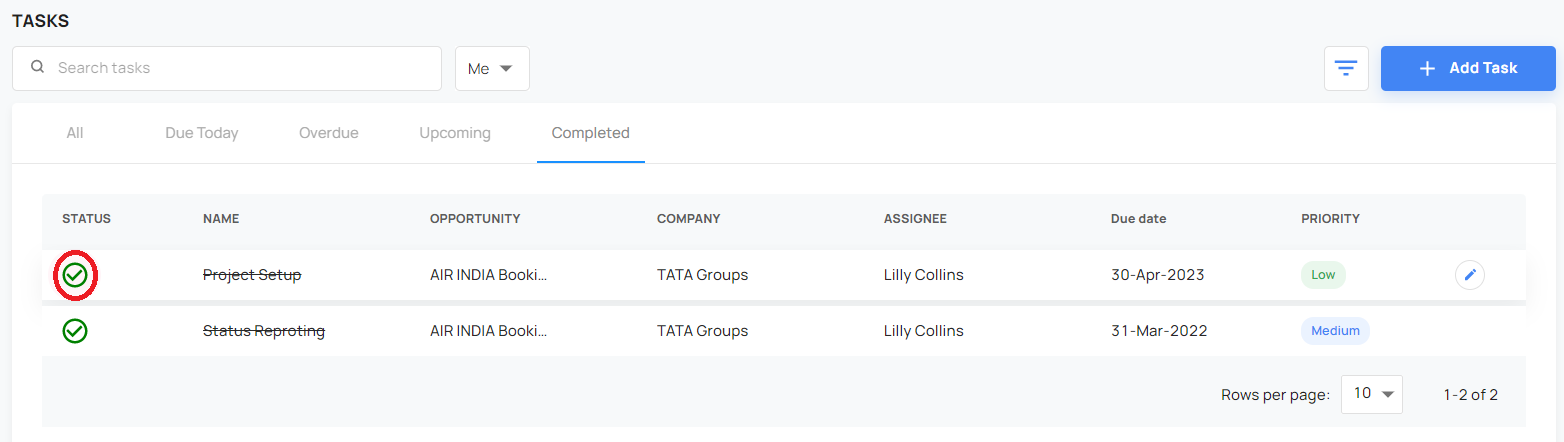
- The User can mark the status to completed and also can unmark from the completed!