Contacts
Overview
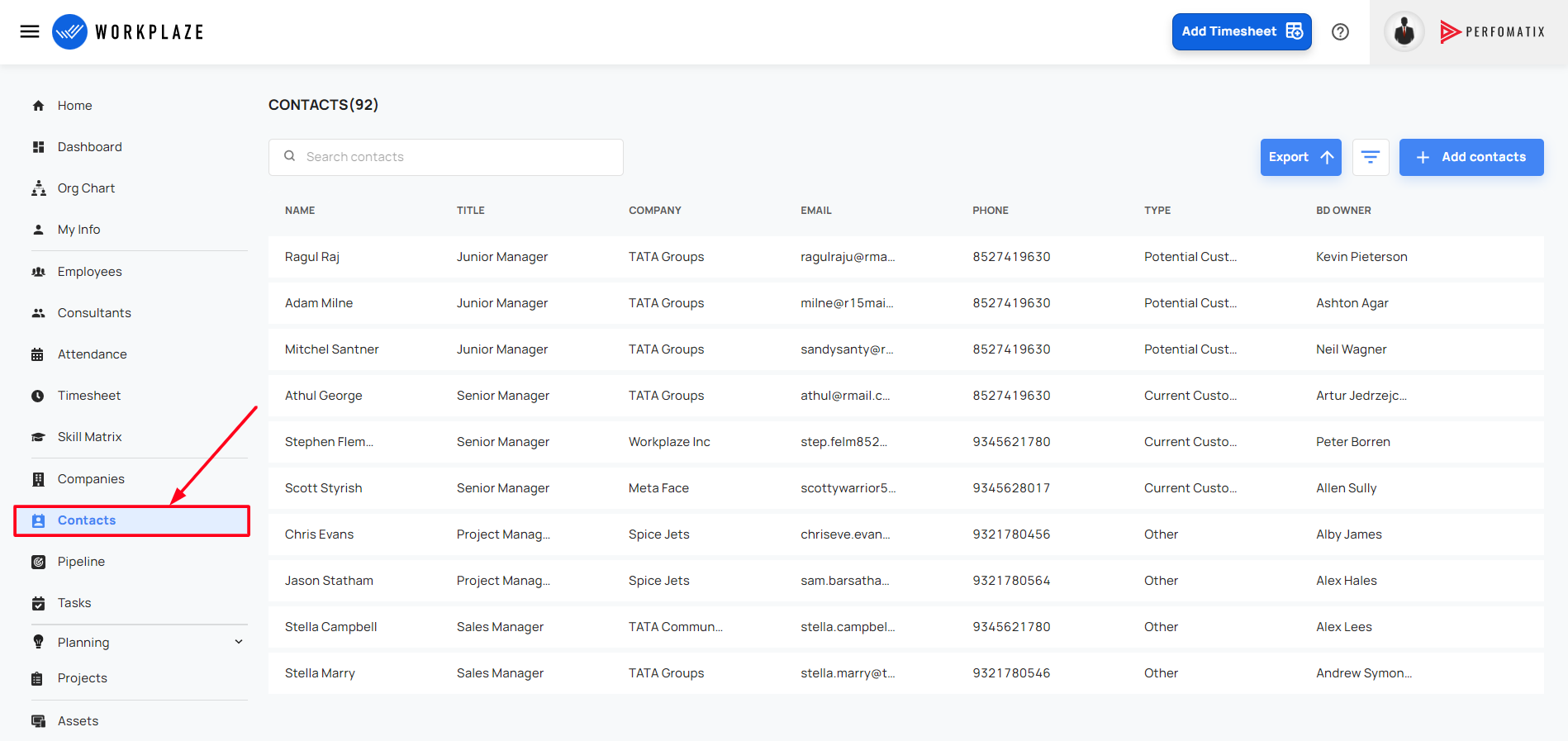
Navigate to Contacts
Workplaze → Contacts
Add Contacts
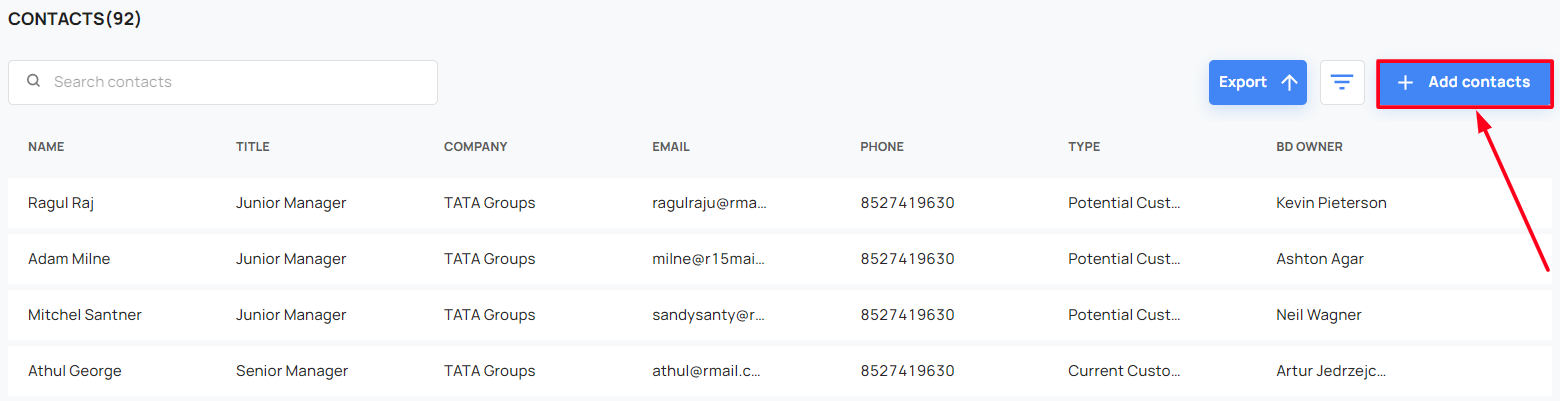
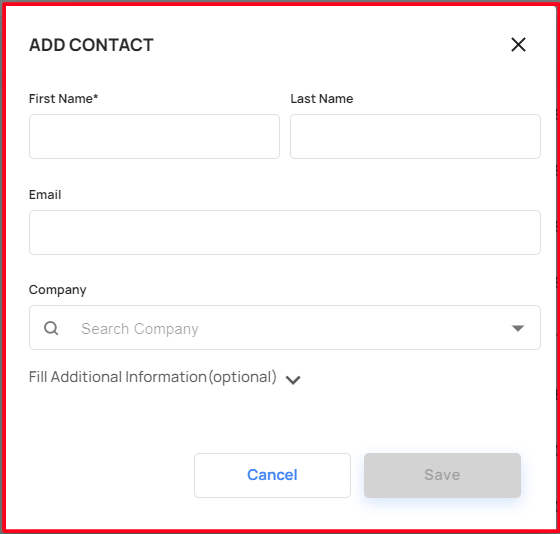
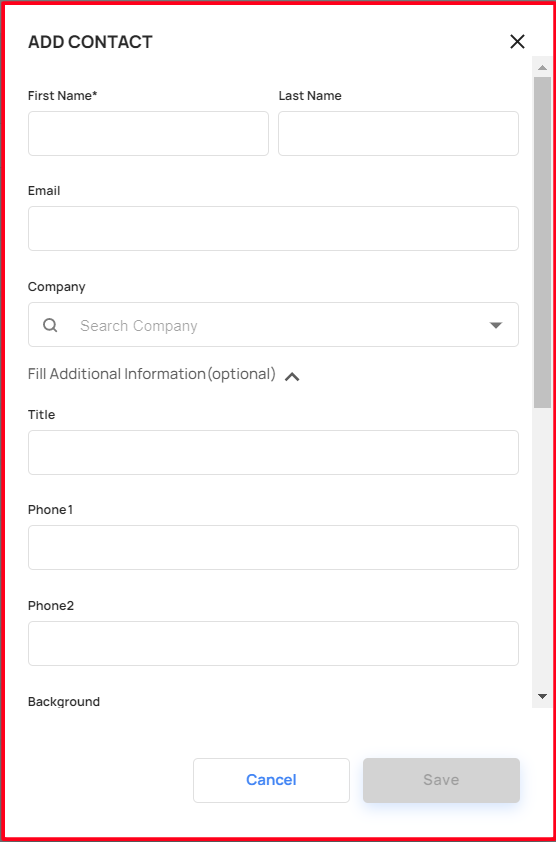
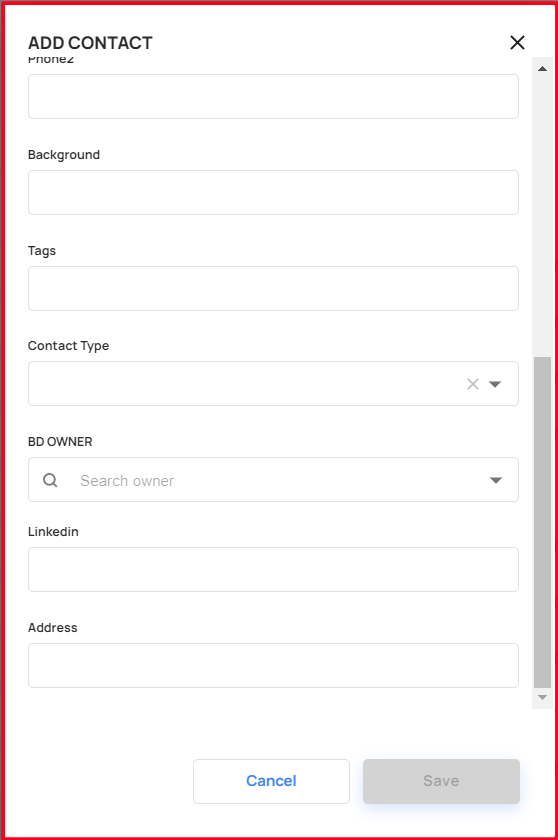
- The user can add the contacts details by using the add contacts button
- The user can filling the additional fields to add the contacts.
Search Contacts
- The user can search the contacts using the search bar
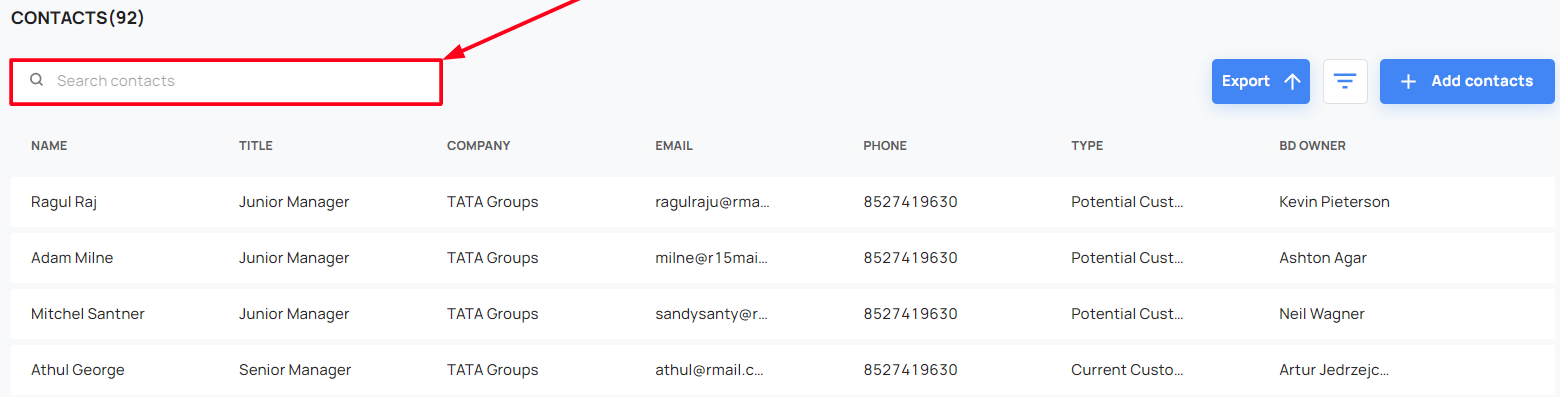
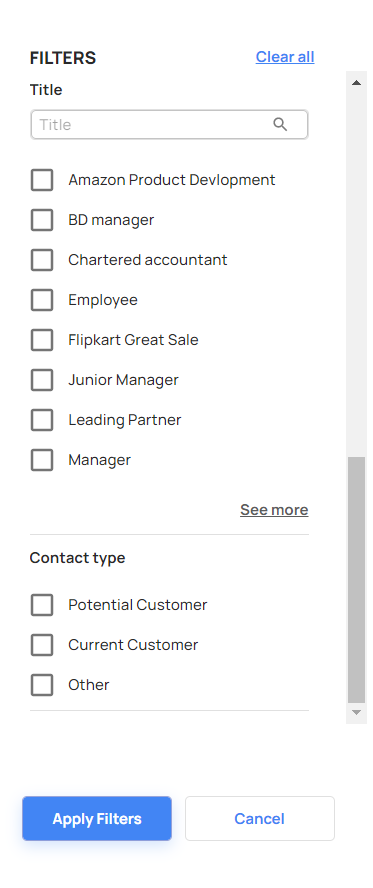
Also the user can search the contacts using the filters
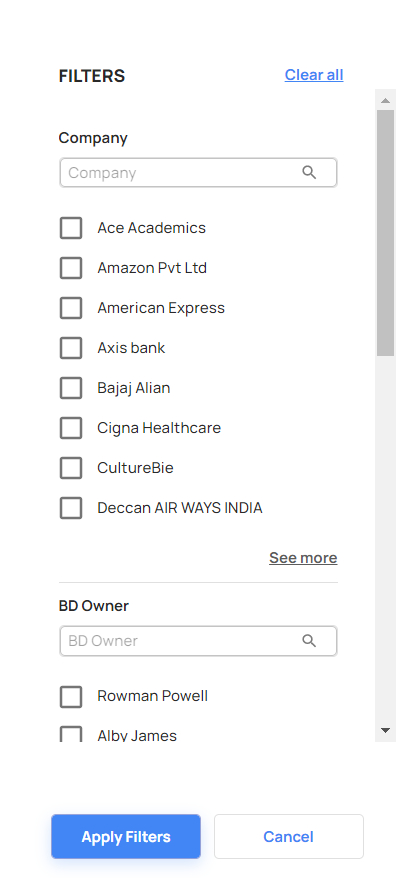
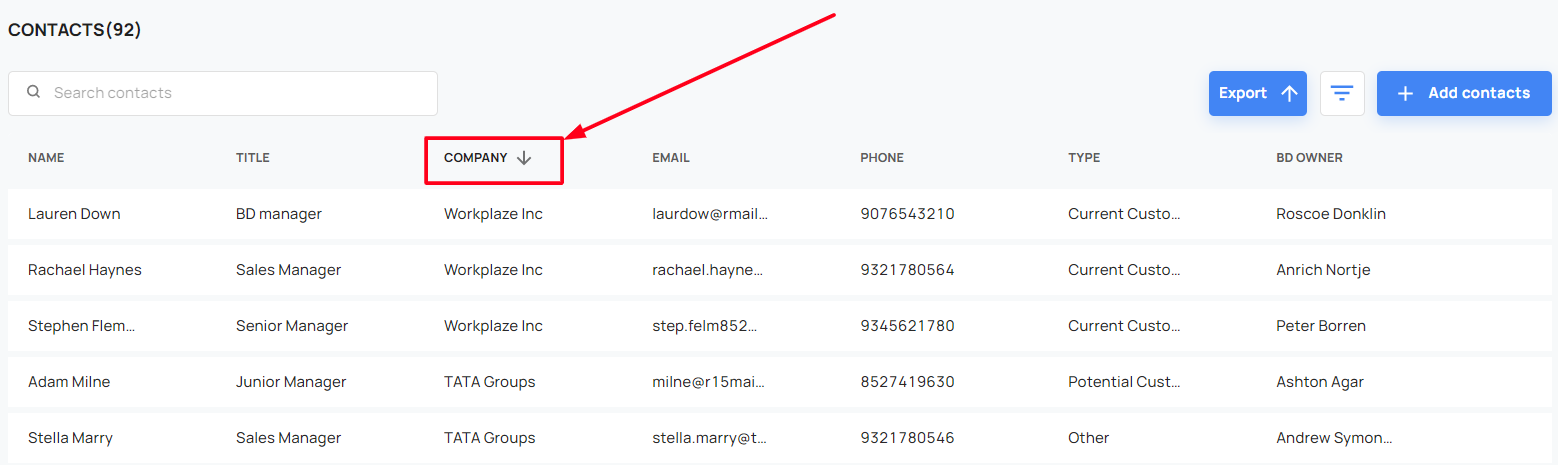
The user can sort the contacts by the company name
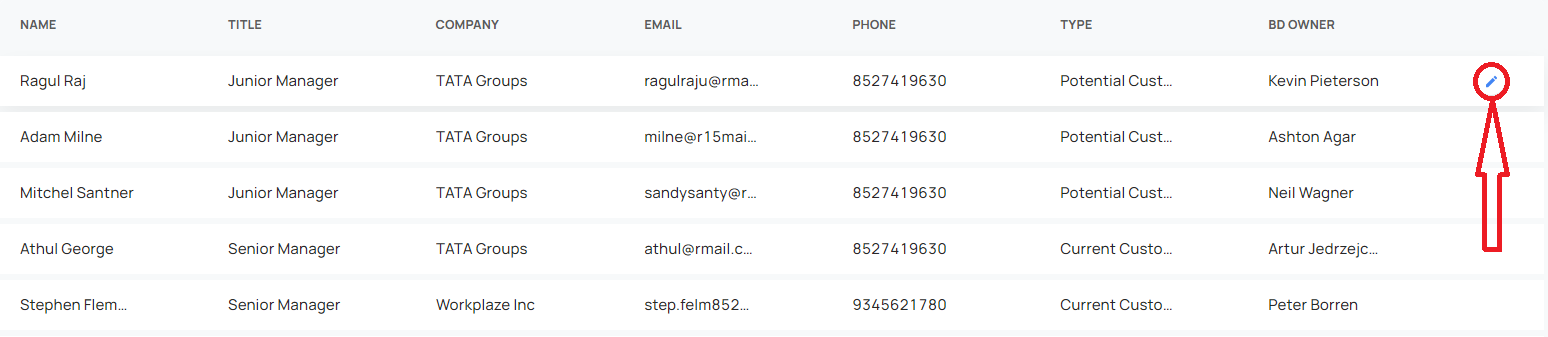
Edit Contacts
- The user can edit the existing contact details by using the edit button
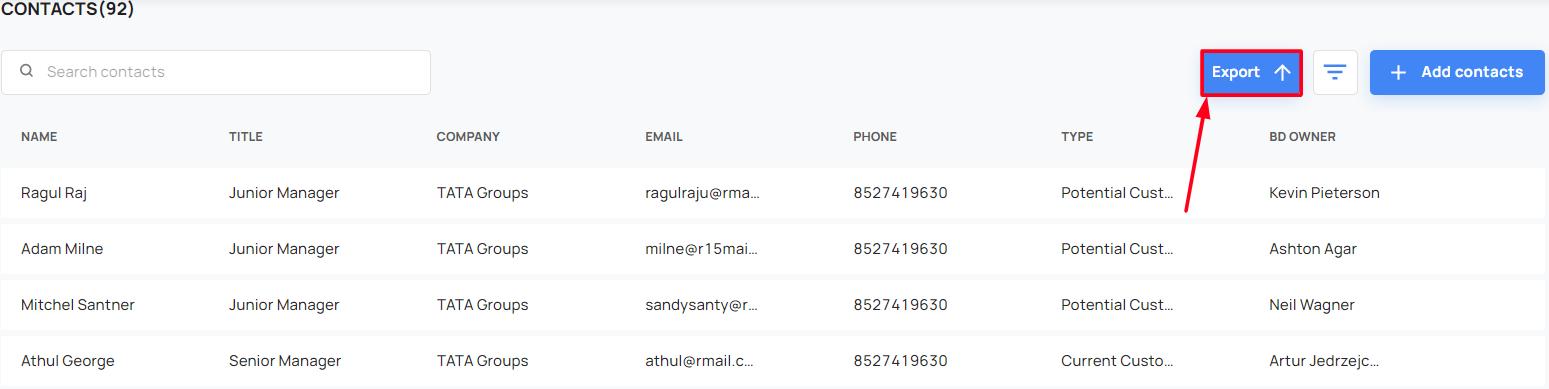
Export the Contacts
- The user can export the contacts